
Two vendors can quote the same company and arrive at numbers that look nothing alike. One price may cover little more than software access, while the other bundles setup, data migration and training. This guide explains ERP software pricing: what really drives the cost, so you can compare proposals on equal terms instead of reacting to the lowest first quote.
You will learn which factors move the price, how common pricing models differ, which costs are easy to miss, and how to build a simple total cost of ownership comparison. You will also find a buyer checklist and answers to ten common pricing questions.
What Determines ERP Software Pricing?
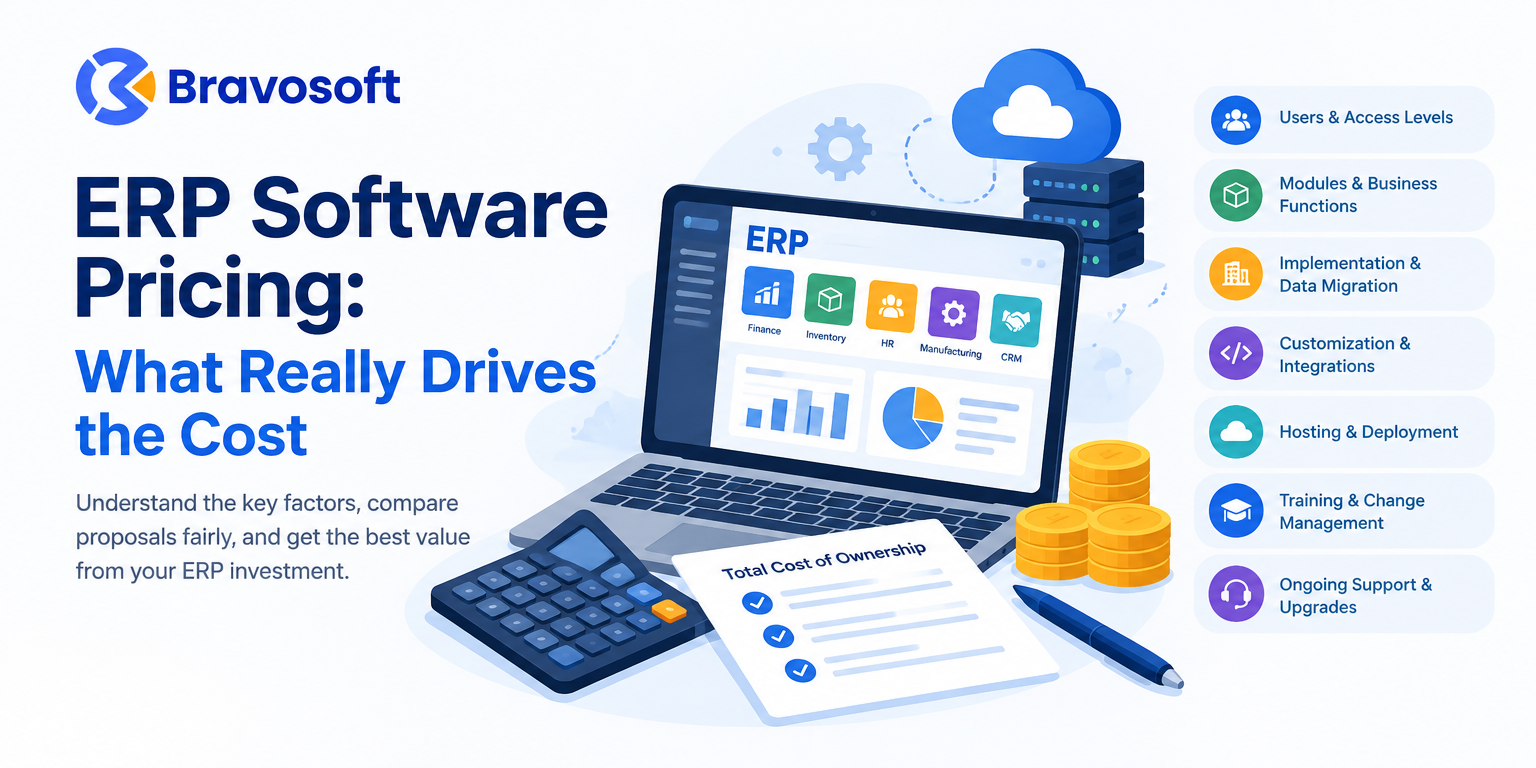
ERP software pricing is driven mainly by the number of users, the modules you need, and how much implementation work your business requires. Data migration, customization, integrations, hosting, training and ongoing support add to the total. Because these items vary by vendor and scope, comparing total cost of ownership matters more than comparing quotes.
The main drivers, in plain terms:
- Users and access levels: Many vendors charge per named user, and some charge less for limited-access users.
- Modules and business functions: Accounting, inventory, manufacturing, HR and CRM may be bundled or priced separately.
- Business size and complexity: More locations, warehouses, currencies and approval rules mean more configuration.
- Implementation and data migration: Setup, testing and moving historical data take consultant or developer time.
- Customization and workflow configuration: Custom reports, approval chains and special logic add effort.
- Third-party integrations: Each connection to another system needs building, testing and maintaining.
- Hosting and deployment: Cloud subscriptions, vendor-managed hosting and your own servers carry different cost structures.
- Training, support and upgrades: These continue long after go-live.
Key terms in plain English
- ERP licensing: The right to use the software, usually sold as a recurring subscription or a one-time perpetual licence, often measured by users, modules or both.
- Implementation costs: The services needed to make the software work for your business: analysis, configuration, testing, data migration and go-live support.
- Customization: Changes beyond standard settings, such as custom modules, special workflows or bespoke reports.
- Total cost of ownership (TCO): The full cost of acquiring, running, supporting and upgrading a system over a defined period, not only the purchase price.
The Main Components of ERP Software Cost
Software Licensing or Subscription Fees
This is the line most buyers see first. Common approaches include:
- Per-user pricing: You pay for each named user. Microsoft’s licensing guidance for Dynamics 365 Business Central, for example, describes full-access user licences and cheaper limited-access options for people who mainly read data or do light tasks.
- Module-based pricing: You pay for the functions you switch on, such as manufacturing or service management.
- Tiered plans: Higher tiers unlock more capabilities. In Business Central, the Premium licence adds manufacturing and service management on top of Essentials.
- Hybrid structures: A per-user fee combined with add-ons for storage, environments or usage-based features.
Always ask what the fee includes. A subscription may bundle hosting, support and upgrades, or it may not.
ERP Implementation and Configuration
Implementation turns generic software into a system that matches your processes. It usually covers business analysis, process mapping, system design, configuration, testing in a staging environment, and go-live support. The more departments, approval rules and locations involved, the more time this takes. Implementation cost is often the least predictable line in an ERP budget, which is why a clearly defined scope matters.
Data Migration and Data Cleanup
Moving customer, supplier, item, stock and ledger records into a new system sounds simple until the data is examined. Spreadsheets and legacy software often contain duplicates, inconsistent naming, missing fields and outdated records. Cleaning, mapping and validating that data takes effort, and poor data entered at go-live creates problems that cost more to fix later.
Customization and Development
Standard configuration is cheaper than custom development. Custom reports, multi-level approval rules, industry-specific workflows and bespoke modules all add development and testing time. They can also add ongoing cost, because custom code may need to be maintained and retested when the core software is upgraded. Odoo’s published pricing, for instance, lists maintenance of custom code as outside its subscription plans.
Third-Party Integrations
Most businesses connect an ERP to other tools: e-commerce platforms, payment gateways, CRM software, logistics systems, banking or tax tools. Each integration involves mapping data, building or configuring the connection, testing, and monitoring it afterwards. Ask whether the connection uses a standard connector or needs custom work, and whether API access is included in your plan or limited to a higher tier.
Employee Training and Change Management
ERP software only saves money if people use it correctly. Budget for role-specific training, user guides, and time for staff to learn the system while still doing their jobs. Plan for new-hire training too. Weak adoption leads to workarounds, duplicate spreadsheets and unreliable data, which erodes the value of the investment.
Maintenance, Support, Hosting, and Upgrades
Ongoing costs differ across vendors and deployment models. Cloud subscriptions often bundle hosting and routine upgrades, while self-hosted systems add server, backup, security and IT staff costs. Support may be included, tiered, or sold separately. Check what happens to customizations and integrations when the vendor releases a new version.
ERP Pricing Models Explained
Not every vendor offers every model, so confirm which ones apply to the products you are evaluating.
| Pricing model | Works well when | Watch out for |
|---|---|---|
| Cloud ERP subscription | You want predictable recurring fees and less infrastructure to manage | Fees continue indefinitely and rise with users or modules |
| On-premise ERP licensing | You need control over infrastructure and data location | Server, security, backup and IT staffing costs sit with you |
| Per-user pricing | Your user count is stable and well defined | Cost grows with every added user; limited-access users may be cheaper |
| Module-based pricing | You can start with a few functions and add more later | Additional modules can add up as the business expands |
| Fixed-price implementation | Scope is clear and documented | Change requests and scope gaps are usually billed separately |
| Custom development or hybrid arrangement | Your processes do not fit standard software | Higher build cost and ongoing maintenance of custom code |
These models are often combined. A typical proposal might pair a per-user subscription with a fixed-price implementation and separately quoted customization.
How Much Does ERP Software Cost for a Small Business?
There is no single honest number. The cost depends on user count, required modules, deployment model, implementation scope and local vendor pricing. A 10-person trading company with standard workflows and a 50-person manufacturer with production planning, multiple warehouses and integrations are different projects, even if both are called “small business.”
What published prices show
Some vendors publish per-user licence prices. As shown on Odoo’s official pricing page (US dollar view, viewed on October 13, 2026):
- Standard plan: US$31.10 per user per month when paid yearly, or US$38.90 when paid monthly. A first-year discount for initial users brings the yearly price to US$24.90 for 12 months.
- Custom plan: US$61.00 per user per month when paid yearly, or US$76.20 when paid monthly, with a US$49.00 first-year discounted yearly price for initial users.
- Included: Access to all apps, hosting on Odoo Online, support, and upgrades.
- Not included: Hosting on Odoo.sh, implementation services, in-app purchase credits (such as SMS), and maintenance of custom code.
These are subscription fees only, not implementation or total project cost. Simple arithmetic on the yearly list prices shows how licence cost scales: 20 users on the Standard plan equals US$622 per month (US$7,464 per year), and 20 users on the Custom plan equals US$1,220 per month (US$14,640 per year), before implementation, hosting add-ons or support extras. Vendors may price differently by country, so confirm the figure for your market.
Microsoft’s Business Central licensing guidance shows a different structure: per-user Essentials and Premium licences, limited-access Team Members licences, and additional database capacity and environments sold separately. Because published figures change and vendors adjust them by region, check Microsoft’s current pricing page rather than relying on a number quoted in an article.
Illustrative scenarios (no prices implied)
The table below shows how scope changes the cost drivers. It deliberately contains no currency amounts, because comparable, current implementation prices are not publicly available.
| Scenario | Licence cost driver | Implementation effort | Customization and integration |
|---|---|---|---|
| Small trading company, accounting and inventory only | Low user count, few modules | Lower | Minimal |
| Growing distributor, sales, purchasing, inventory, accounting, a few integrations | Moderate user count | Moderate | Some, mainly integrations |
| Manufacturer with production, multi-warehouse stock, payroll and approvals | Higher user count, more modules | Higher | Significant workflow configuration |
To get a real number, ask each vendor to price the same documented scope.
Hidden ERP Costs Businesses Often Overlook
- Data cleaning and migration: Often underestimated when records live in several spreadsheets.
- Additional user licences: Staff added after go-live, including part-time or seasonal users.
- Custom reporting: Management reports that the standard setup does not produce.
- Integration maintenance: Connections can break when either system changes.
- Additional modules: Functions you did not scope at the start but later need.
- Training for new employees: Staff turnover means training never fully ends.
- Vendor support upgrades: Faster response times or extended hours may be priced separately.
- Infrastructure and security: Servers, backups, monitoring and access controls for self-hosted systems.
- Future expansion and process changes: New locations, companies or workflows need reconfiguration.
How to find these costs before signing
Ask for an itemized proposal with every assumption written down. Request the vendor’s rate card for additional users, modules and consulting hours. Ask what is excluded, not only what is included. Check which plan tier unlocks API access, multi-company use or customization tools. Finally, ask for references from companies of similar size and industry, and ask them what cost more than expected.
Cloud ERP vs On-Premise ERP: Which Has the Better Cost Structure?
Neither option is universally cheaper. The better structure depends on your IT capacity, customization needs and cash flow.
| Factor | Cloud ERP | On-premise ERP |
|---|---|---|
| Initial investment | Typically lower upfront, with recurring fees | Typically higher upfront for licences and hardware |
| Recurring expenses | Subscription fees continue for as long as you use it | Maintenance, support and IT staff costs continue |
| Infrastructure | Vendor or hosting provider manages servers | You manage servers, backups and security |
| Maintenance and upgrades | Often handled or scheduled by the provider | Planned and executed by you or a partner |
| Customization flexibility | May be limited by plan or platform rules | Generally greater control, with more upkeep |
| Scalability | Adding users or capacity is usually administrative | Scaling may require hardware and licence purchases |
| Internal IT requirements | Lower | Higher |
The vendor’s own terms matter here. Odoo’s pricing page, for instance, explains that its Standard plan runs on Odoo Online without custom modules, while the Custom plan also allows Odoo.sh or self-hosting for custom development. In practice, the right choice depends on whether you need custom code and whether you have the staff to run servers.
How to Calculate the Total Cost of ERP Ownership
Total cost of ownership (TCO) captures the direct and indirect costs of an IT investment across its life cycle. The U.S. Environmental Protection Agency’s guide to TCO modeling notes that initial procurement is typically a small part of the full cost of owning and operating most IT products, which is why a low purchase price alone is a weak buying signal.
Use a defined evaluation period, such as three or five years, and apply this formula to every vendor:
Total ERP Cost = Software Fees + Implementation + Data Migration + Customization + Integrations + Training + Hosting + Support and Maintenance + Other Applicable Costs
To keep the comparison fair:
- Fix the period. Multiply recurring costs (subscriptions, support, hosting) by the number of years, and count one-time costs (implementation, migration) once.
- Avoid double-counting. If a vendor’s subscription already includes hosting or support, do not add them again.
- Use one scope. Give every vendor the same user count, modules, integrations and data volume.
- Document assumptions. Record expected growth in users, modules and locations so each quote is judged against the same future.
- Add internal costs. Include staff time for requirements, testing and training, even if no invoice is attached.
- Weigh value as well as cost. TCO does not measure how well a system fits your processes, so compare usability, support and scalability alongside the number.
How to Reduce ERP Software Costs Without Sacrificing Essential Features
- Define requirements before contacting vendors. A written list of processes, users and reports prevents scope drift.
- Prioritize essential modules. Start with what you need now and add others as the business is ready.
- Avoid unnecessary customization. Adapt processes to standard features where it does not harm the business.
- Clean and validate data before migration. Cleaner data reduces mapping and correction work.
- Request itemized proposals. Line items make differences between vendors visible.
- Evaluate integration needs early. Late-discovered integrations are a common source of overruns.
- Assess training and support inclusions. Know what is covered and what is billed separately.
- Compare long-term TCO rather than the lowest initial quote.
- Plan for future growth. Check how pricing changes as users, modules or companies increase.
- Validate capabilities through a demo. Give vendors three or four of your real use cases and watch them handled live.
ERP Software Pricing Checklist Before You Buy
Use these questions during vendor evaluation and keep the written answers with your proposal.
- Licensing and user limits: How are users defined and counted? Are limited-access or portal users charged differently?
- Included modules: Which modules are in the quoted price? Which are optional add-ons?
- Implementation scope: What does the implementation cover, what does it exclude, and how are change requests priced?
- Data migration: Who cleans and loads the data? How many records and sources are assumed?
- Customization fees: Which requirements are standard configuration, and which need custom development? What is the hourly or fixed rate?
- Integration charges: Which integrations are standard, which are custom, and is API access included in my plan?
- Training: How many sessions, for which roles, and what does extra training cost?
- Support and service levels: What are the support hours and response times? What is included after go-live?
- Hosting and security responsibilities: Who hosts, backs up and secures the system, and what is the cost?
- Renewal and upgrade costs: How much can fees rise at renewal? Are version upgrades included?
- Data ownership and export options: Can I export my data in a usable format at any time and on exit?
- Scalability and contract terms: What are the term, notice period and penalties? What happens to pricing if I add users, modules or companies?
Evaluating an ERP Solution for Your Business
If you are comparing integrated business management software, Bravosoft’s BASE ERP solution is worth reviewing alongside other options. According to the product page, BASE ERP is a web-based system that connects sales, purchasing, inventory, manufacturing, accounting, HRM and payroll, supply chain, CRM and asset management in one platform. The page describes it as especially suited to manufacturing and furniture companies, and lists other industries it has been configured for.
Several details on the page bear directly on the cost factors above:
- Web-based access: The page states that users work through a browser with no local server to manage.
- Integrations and migration: The page says BASE ERP supports third-party integrations through an open API and can migrate data from legacy platforms and accounting tools such as Tally.
- Implementation: The page says the timeline depends on business size and the number of modules, is defined in a discovery phase, and that the Bravosoft team handles setup, data migration and staff training.
The page does not publish prices, so there is no figure to quote here. The practical next step is to confirm which modules match your requirements and ask for a scoped discussion or demonstration, so the implementation scope and pricing are based on your actual users, data and integrations. Bring the checklist above to that conversation. If your needs point toward an open-source platform instead, Bravosoft also offers Odoo ERP implementation and customization services.
Conclusion: Make an Informed ERP Investment
The real cost of an ERP system is the sum of licensing, implementation, data migration, customization, integrations, training, hosting and support over the years you will use it. A lower first quote can cost more once those items are counted, and a higher quote can be reasonable if it includes more of the work. Compare vendors on one documented scope, use a three-to-five-year TCO, and weigh usability, support and scalability alongside price.
If you are evaluating integrated business management software, explore Bravosoft BASE ERP, check its modules against your requirements, and discuss your business needs with the Bravosoft team to understand the scope and pricing that apply to you. You can also learn more about the company on the Bravosoft About page.
Frequently Asked Questions
There is no universal price. Some vendors publish per-user licence fees, such as Odoo’s Standard plan at US$31.10 per user per month when paid yearly (US list price, October 13, 2026), but implementation, customization and support are usually separate. Ask for a quote based on your own scope.
The main factors are the number of modules, business processes and locations, the quality and volume of data to migrate, the number of integrations, the amount of customization, and the training required. A clearer scope generally produces a more reliable estimate.
Not always. Cloud ERP usually costs less upfront and shifts infrastructure to the provider, but subscription fees continue. On-premise ERP can suit businesses that need infrastructure control, but it adds hardware, security and IT costs. Compare both over three to five years.
It depends on the vendor and plan. Licence fees grant usage rights, and subscriptions may also include hosting, support and upgrades. Odoo’s pricing page, for example, lists hosting on Odoo Online, support and upgrades as included and implementation as not included. Always get the inclusions in writing.
Often yes. Standard configuration may be covered by implementation fees, while custom development and non-standard integrations are usually quoted separately. Some plans also reserve tools such as API access or customization studios for higher tiers, so check what your plan allows.
Beyond the quote, consider data cleanup, extra users and modules, integration upkeep, custom reports, training for new hires, premium support and security infrastructure. The hidden costs section above explains how to surface them before signing.
Start with essential modules, keep customization minimal, and request itemized proposals for the same scope. Evaluate the three-to-five-year cost, not only the first-year price, and confirm how fees change as you add users.
Add software fees, implementation, data migration, customization, integrations, training, hosting, support and other applicable costs over a fixed period. Use the same scope for every vendor and avoid counting anything twice.
Yes. Per-user plans scale with headcount, modules can be added over time, and capacity or environment add-ons may be priced separately. Some plans change tier when you add features: Odoo’s pricing page notes that installing Studio or adding companies moves a database to the Custom plan.
Ask how users are counted, what is excluded from the price, who performs data migration, how customization and integrations are billed, what support covers, how renewals are priced, and whether you can export your data at any time. Our checklist above groups these questions by topic.